
Best YouTube Analytics & SEO Tools (2026 Edition)
You can't grow what you don't measure. We ranked the top analytics tools to help you find your audience and crush the algorithm.

Data is boring. Until it makes you rich.
Most creators upload a video, pray to the algorithm gods, and then cry when it gets 10 views. The pros? They know exactly why a video failed 5 minutes after publishing.
In 2026, analytics tools don't just count views; they predict them. They tell you what to make, when to post, and exactly who is watching. Here are the 4 tools you need to turn your channel into a business.
Quick Comparison: Top 4 Analytics Tools
| Tool | Best For | Price | Key 2026 Feature |
|---|---|---|---|
| YouTube Studio | Deep Channel Data | Free | "Ask Studio" AI Chatbot |
| Social Blade | Spying on Competitors | Free / Paid | Live Sub Counts & Ranking |
| VidIQ | Actionable Growth Strategy | Free / Boost | "Outlier Score" for viral trends |
| Google Trends | Predicting the Future | Free | Real-time Search Interest |
1. YouTube Studio — The Source of Truth
Best For: Understanding your own audience deeply.
YouTube Creators landing page
This is the only tool that actually has real data. Everything else is just estimating. If you aren't obsessed with the "Advanced Mode" in YouTube Studio, you aren't trying hard enough.
Why it wins in 2026: The new "Ask Studio" feature is incredible. Instead of digging through spreadsheets, you can just ask: "Why did my views drop last Tuesday?" or "Which format brings me the most subscribers?" and it gives you a plain English answer. Also, the native A/B Testing for thumbnails and titles is now rolled out to everyone.
The Strategy: Ignore the "Overview" tab. Go straight to Content > Audience Retention. Find the exact second where people stop watching. That is your weakness. Fix it in the next video.
Pros:
- Accuracy: 100% real data.
- A/B Testing: Finally built-in!
- Free: Costs nothing.
Cons:
- Self-focused: It tells you what you did, not what your competitors are doing.
2. Social Blade — The Competitor Spyglass
Best For: Tracking growth trends of other channels and broad industry benchmarks.
Social Blade homepage
We all do it. You see a channel explode and wonder, "How many subs are they actually gaining per day?" Social Blade tells you. It’s the public ledger of YouTube.
Why it wins in 2026: Honestly? Because it still works. While other tools try to be fancy AI coaches, Social Blade remains the best place to see a clean, raw graph of a competitor's history. Did they blow up in March? Go look at what videos they posted in March. Boom. Strategy stolen.
Warning: Ignore the "Estimated Earnings." They are notoriously inaccurate (often off by 10x). Do not plan your retirement based on Social Blade numbers.
Pros:
- Transparency: See anyone's stats.
- History: Track growth over years, not just days.
- Motivation: Seeing your own grade go from "D" to "B" is satisfying.
Cons:
- Passive: It gives you data, not advice.
- Earnings Data: Uselessly vague.
3. VidIQ — The Growth Coach
Best For: Knowing what to make before you make it.
VidIQ Features overview
If YouTube Studio is a history book, VidIQ is a crystal ball. It uses API data to tell you what keywords are trending right now and how hard it is to rank for them.
Why it wins in 2026: The Outlier Score is the single most valuable metric for a new channel. It highlights videos from small creators that are getting massive views. If a channel with 500 subs gets 50,000 views on a video, VidIQ flags it. That means the topic is viral, not just the creator. Copy that topic.
The Strategy: Install the Chrome extension. Before you film a single second, search your idea keyphrase. If VidIQ says "Volume: Low, Competition: High," do not make that video.
Pros:
- Actionable: Tells you "do this, not that."
- Keyword Research: Best in the business.
- Competitor Alerts: Emails you when your rival goes viral.
Cons:
- Cost: The best features (Boost) are ~$39/mo.
- Browser Slowdown: The extension can make YouTube load slower.
4. Google Trends — The Early Warning System
Best For: Spotting macro trends before they hit YouTube.
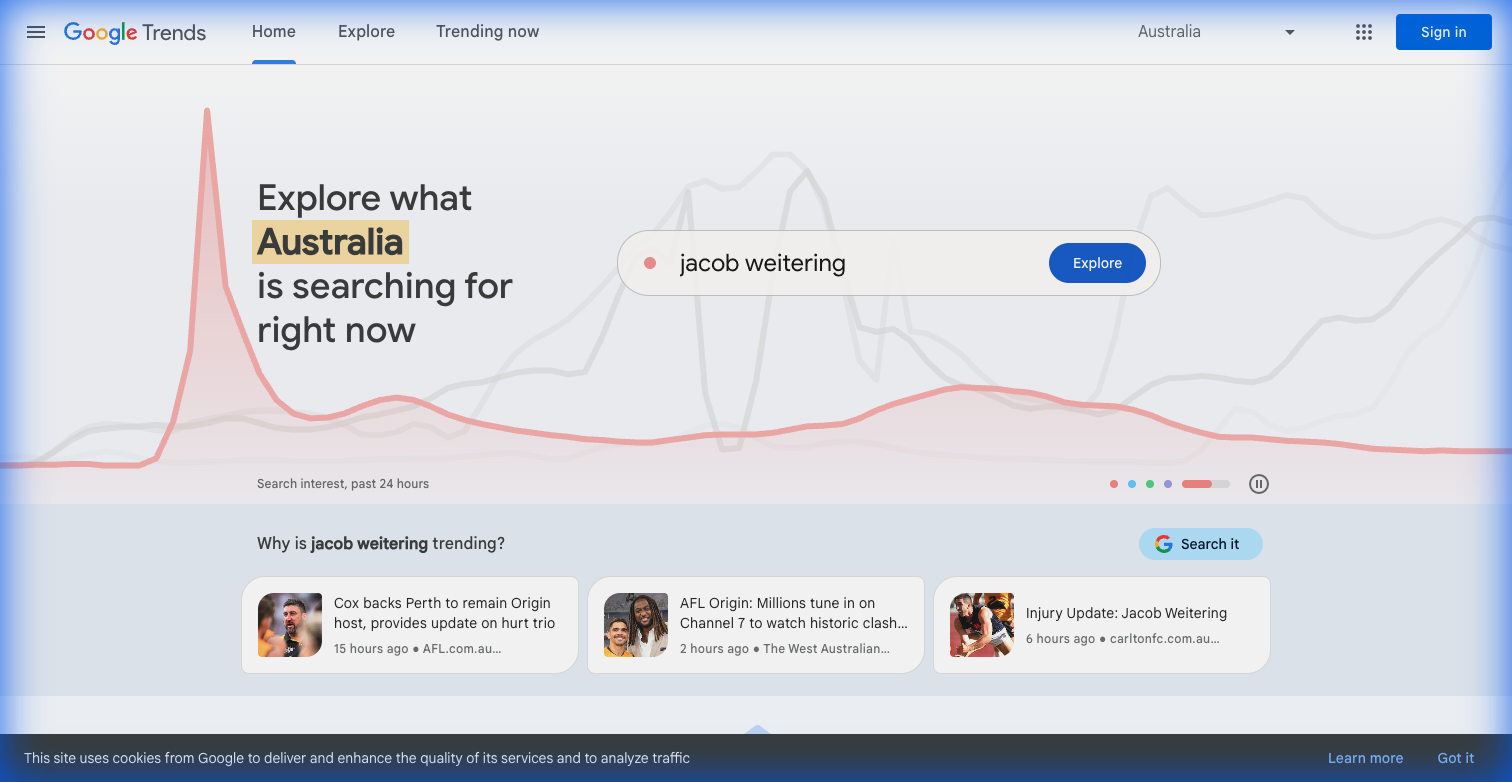
Google Trends homepage
YouTube is the second biggest search engine. Google is the first. Google Trends shows you what the world is searching for right now.
Why it wins in 2026: It’s the best way to break out of your bubble. If you make tech videos, Google Trends will show you that interest in "AI Glasses" is spiking 3 weeks before the main YouTube channels cover it. If you can be the first high-quality video on a rising trend, you win.
The Strategy: Use the "Compare" feature. Not sure if you should title your video "iPhone 16 Review" or "iPhone 16 Hands-On"? Plug both into Google Trends. Pick the one with the steeper line.
Pros:
- Real-time: Up to the minute data.
- Global: See trends by specific country.
- Free: Completely free.
Cons:
- Broad: Doesn't give specific YouTube metrics like retention.
Verdict: The Intelligent Creator's Stack
- Daily Check: Use YouTube Studio to fix your retention on yesterday's video.
- Weekly Planning: Use VidIQ to find "Low Competition/High Volume" keywords for next week's script.
- Monthly Strategy: Use Social Blade to see which competitors are growing fastest and analyze why.