
Best Audio & Sound Design Tools for Creators (2026 Edition)
Bad audio kills video retention faster than anything else. Here are the 4 tools you need to sound like a pro studio.
You can forgive grainy video. You can forgive a shaky camera. But nobody helps bad audio.
If your viewers can't hear you clearly, they click off. It's that simple. In 2026, "Pro Audio" doesn't mean buying a $1,000 Sennheiser microphone. It means using the right software to polish what you already have.
We tested the latest AI noise reducers and music libraries. Here are the 4 essential tools to fix your sound, find great music, and add professional voiceovers.
Quick Comparison: Top 4 Audio Tools
| Tool | Best For | Price | Key 2026 Feature |
|---|---|---|---|
| Adobe Podcast Enhance | Fixing Bad Mics | Free / $9.99/mo | "Enhance Speech v2" & Video Support |
| Epidemic Sound | Music Licensing | ~$9.99/mo | "Soundmatch" AI Search |
| Audacity | Free Editing | Free | Intel OpenVINO AI Plugins |
| ElevenLabs | AI Voiceovers | Free / $5/mo | AI Sound Effects Generator |
1. Adobe Podcast Enhance — The "Magic Button"
Best For: Making your iPhone voice memo sound like a studio podcast.
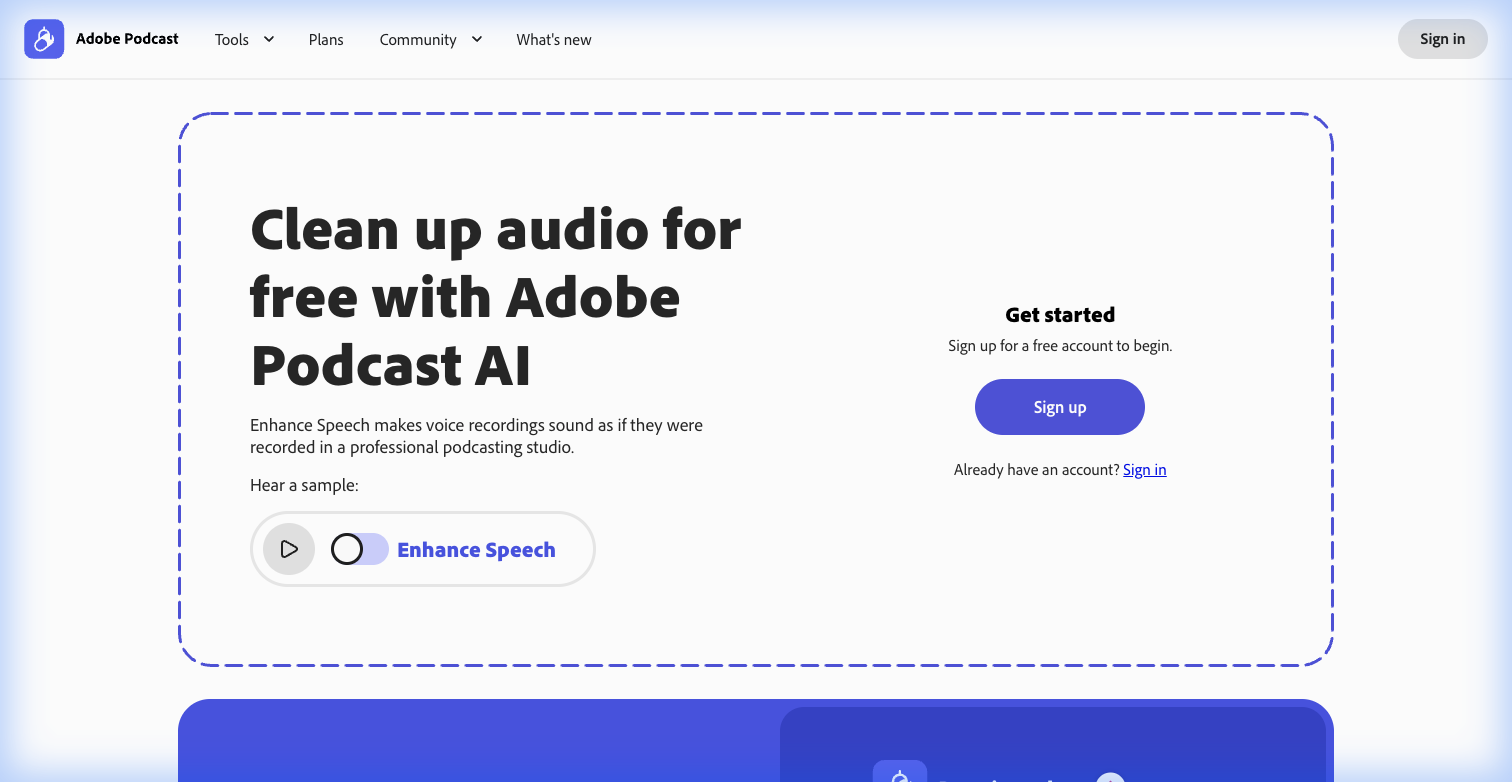
Adobe Podcast Enhance tool interface
This tool is practically witchcraft. You drag in a noisy, echoey audio file recorded in a bathroom, and it spits out a dry, crisp, broadcast-quality voice track.
Why it wins in 2026: The updated Enhance Speech v2 model is much less aggressive. It keeps the "character" of your voice while stripping the noise. Plus, the premium plan operates directly on video files—drag in an MP4, get a cleaned MP4 back. No demuxing required.
The Strategy: Don't dial it to 100%. That makes you sound like a robot. A setting of 60-70% usually hits the sweet spot between "clean" and "natural."
Pros:
- Zero Skill Required: Literally drag-and-drop.
- Mic Check: A free tool to help you position your physical mic.
- Browser-Based: No install needed.
Cons:
- Robotic Artifacts: Can sound weird if the original audio is terrible.
- Daily Limits: Free tier is capped at 30 mins per file.
2. Epidemic Sound — The Soundtrack of YouTube
Best For: Finding music that fits the feeling of your video.
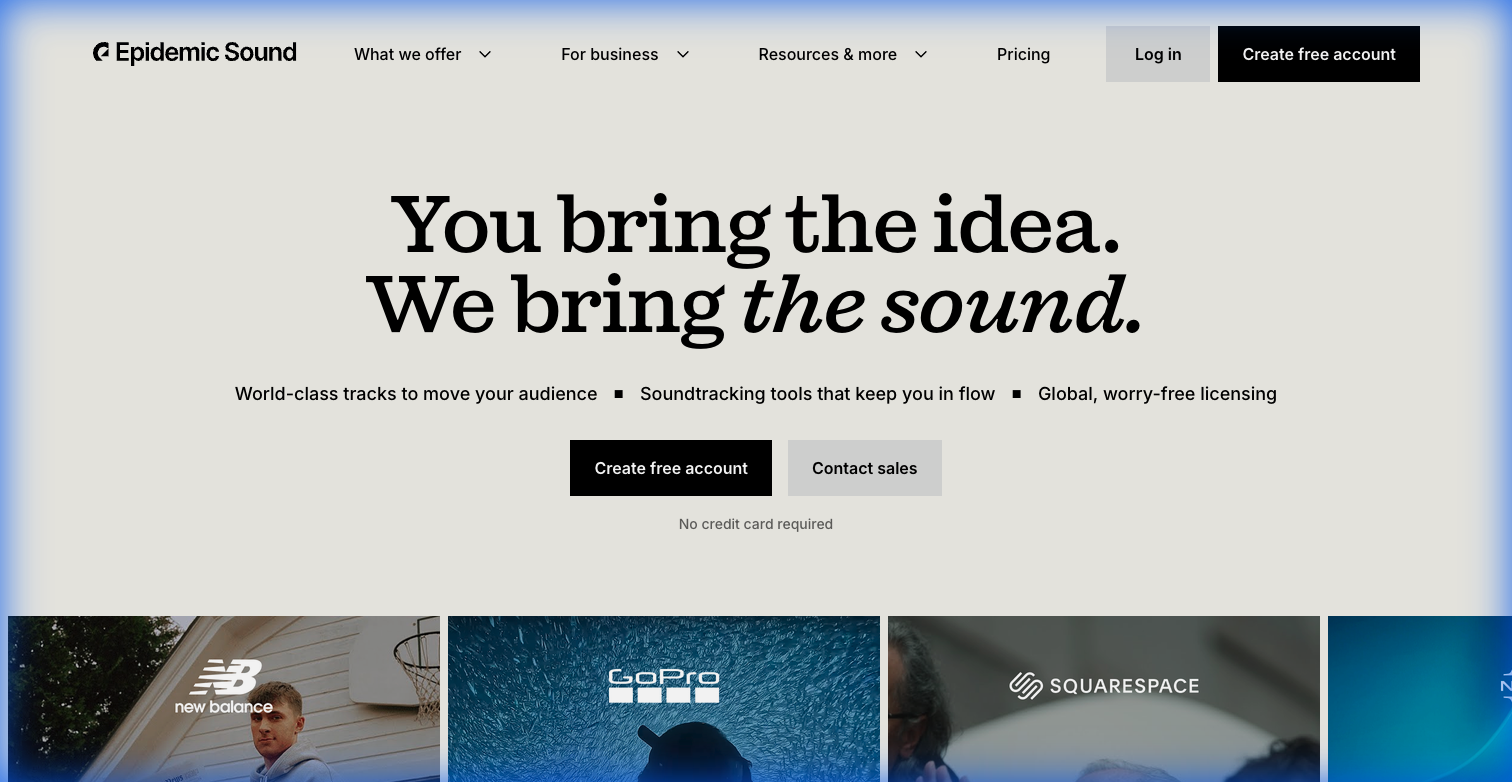
Epidemic Sound homepage
Music licensing is a nightmare. Epidemic Sound solves it. One subscription covers all your channels (YouTube, TikTok, Instagram) and ensures you never get a copyright strike.
Why it wins in 2026: Their "Soundmatch" AI is a workflow saver. You play a segment of your video, and it analyzes the visual mood to suggest tracks. It filters out the "generic corporate ukulele" and finds actual music.
The Strategy: Use the "Stems" feature. Don't just drag the whole song in. Mute the vocals when you're talking, and bring in the drums/bass during energetic B-roll sequences. It makes your edit feel dynamic.
Pros:
- Safety: 100% claim-free.
- Quality: Real artists, not MIDI loops.
- Mobile App: Find music on the go.
Cons:
- Subscription Only: You lose the license for new videos if you cancel (old videos stay safe).
3. Audacity — The Old Reliable (Now with AI)
Best For: Detailed audio editing, deep cleaning, and multi-track recording.
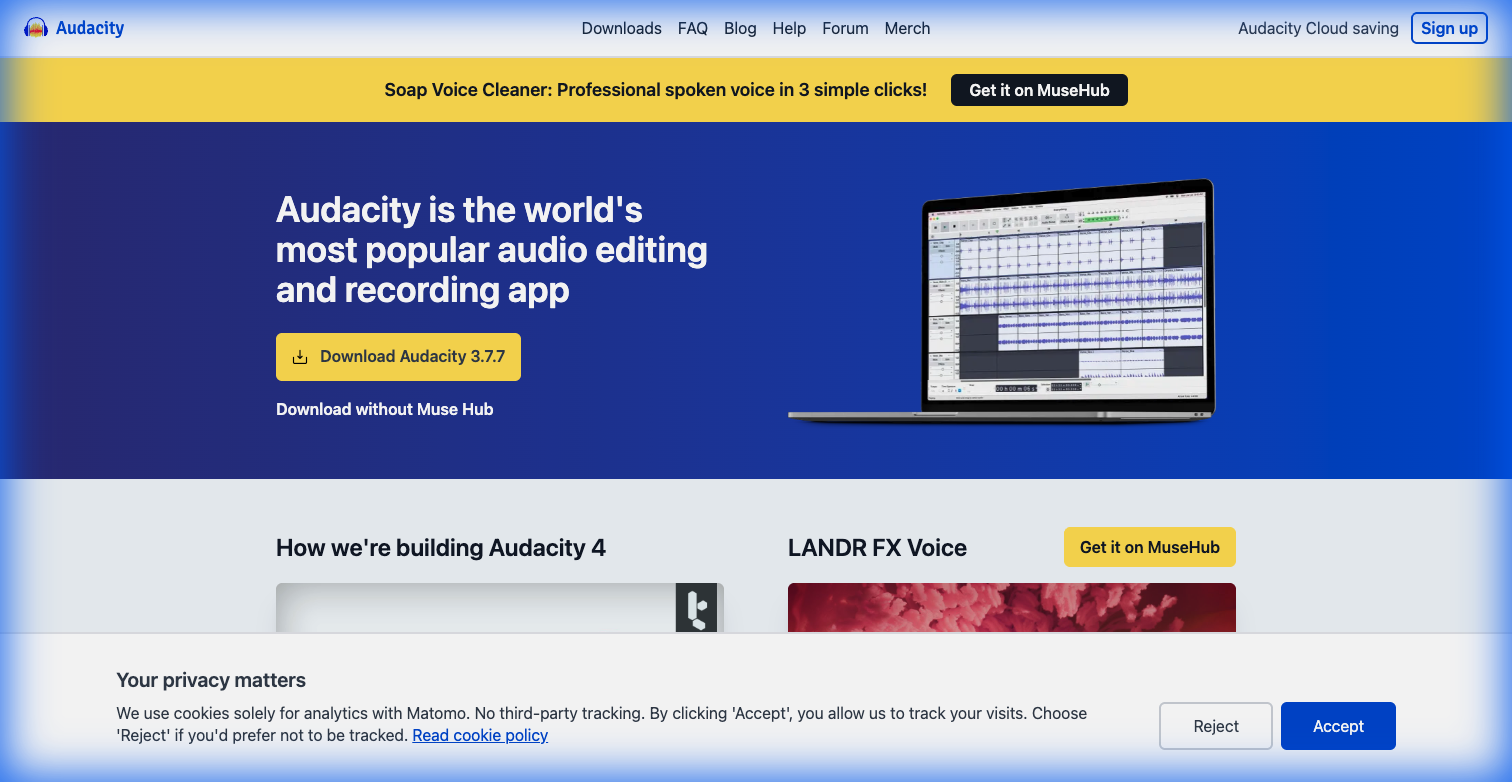
Audacity homepage
Audacity has been on every creator's laptop for 20 years because it's free and it works. But in 2026, it got a brain transplant with Intel OpenVINO AI plugins.
Why it wins in 2026: It can now do what used to cost hundreds of dollars.
- Music Separation: Split a single MP3 into Vocals, Drums, and Bass. Great for analyzing songs or making karaoke tracks.
- Noise Suppression: Uses AI (not just EQ) to remove fan noise intelligently.
- Privacy: All AI runs locally on your PC. No uploading to the cloud.
Pros:
- Completely Free: Open source forever.
- Local Processing: No privacy concerns.
- Precision: Edit down to the millisecond.
Cons:
- Ugly Interface: It still looks like Windows 98.
- Destructive Editing: Changes are permanent once you save and close.
4. ElevenLabs — The Voice of AI
Best For: Faceless channels and generating custom sound effects.
If you don't want to record your own voice, ElevenLabs is the gold standard. It creates the most realistic, emotive human speech of any AI tool.
Why it wins in 2026: Beyond voice, their AI Sound Effects Generator is incredible. Need the sound of a "laser sword hitting a shield in a cavern"? Just type it in, and it generates a unique, royalty-free sound effect for you. This is a massive time-saver for sound design work.
Pros:
- Realism: Indistinguishable from human speech.
- Sound Effects: Generate custom SFX on demand.
- Voice Cloning: Train it to sound exactly like you (great for fixing mistakes in narration).
Cons:
- Credit System: You pay per character generated.
- Generic Tone: Can sound monotonous without careful prompting.
Verdict: The Audio Toolkit
- Bad Mic? Run everything through Adobe Podcast Enhance.
- Need Music? Epidemic Sound is the safest bet in the industry.
- Deep Editing? Audacity is free and now has AI superpowers.
- No Voice? Use ElevenLabs to speak for you.