
How to Use AI to Automate Your Faceless Channel Workflow (Step-by-Step)
Work smarter, not harder. Learn how to chain ChatGPT, Midjourney, and ElevenLabs together to create a content machine that runs on autopilot.
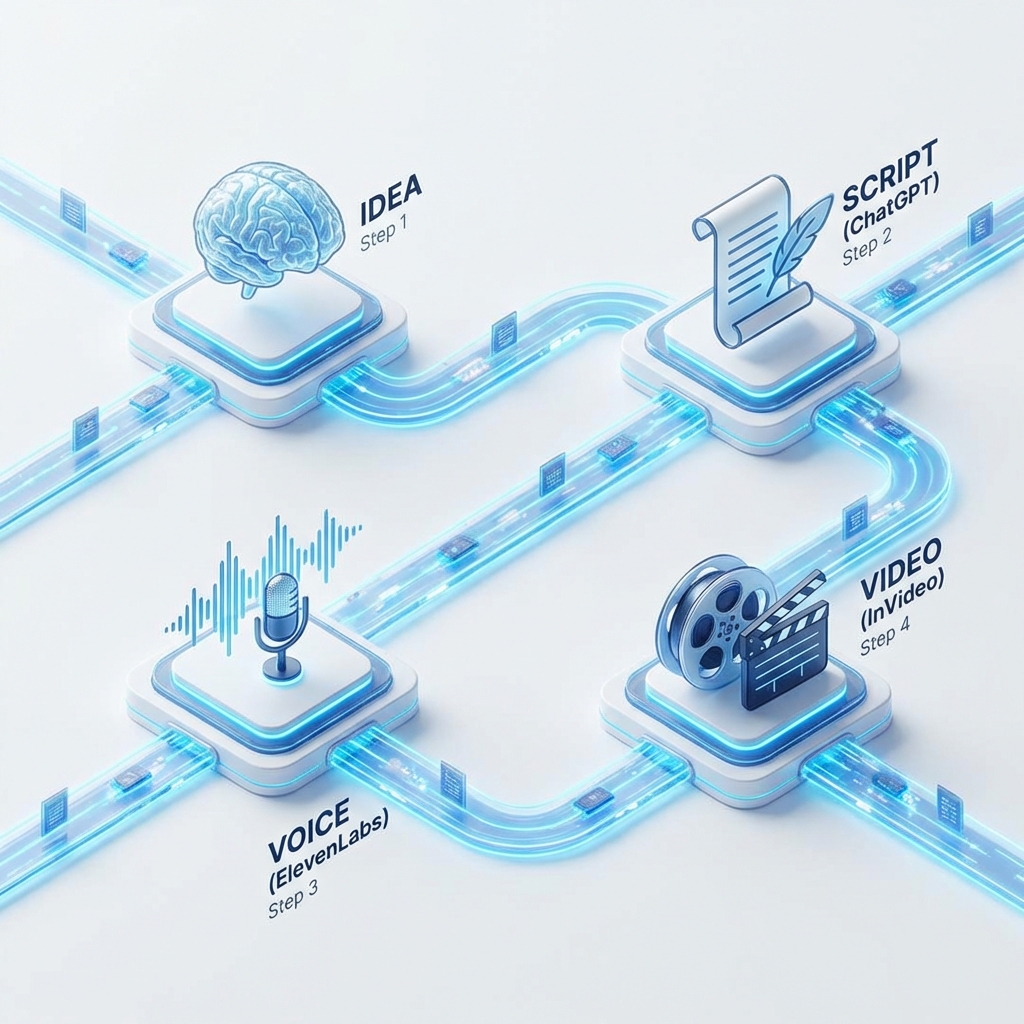
The biggest lie in content creation is that "quality takes time." In 2026, quality takes systems.
If you are manually writing scripts and scrolling through stock footage sites for hours, you are working like it's 2020. Today, we are going to build an AI Content Stack that reduces your production time by 70%.
Here is the exact workflow to turn an idea into a video in under 2 hours.
Step 1: The Brain (Ideation with AI)
Tool: ChatGPT/Claude/Gemini
Don't start with a blank page. Start with a prompt. The Prompt: "I run a YouTube channel about [Niche]. Generate 10 click-worthy video titles that invoke curiosity and fear of missing out. For each title, write a 2-sentence hook."
- Time Saved: 1 Hour.
- Output: A list of validated ideas.
Step 2: The Skeleton (Scripting)
Tool: Claude (Better for creative writing)
Take your favorite title from Step 1 and generate the script. The Prompt: "Write a 1,500-word script for a video titled '[Title]'. Use a conversational, storytelling tone. Include timestamps for visual cues (e.g., [Show map of Europe]). Avoid generic AI phrases like 'In this digital age'."
- Time Saved: 3 Hours.
- Crucial Step: Read the script out loud. If it sounds robotic, rewrite those sentences manually.
Step 3: The Voice (Audio Generation)
Tool: ElevenLabs
Copy your script into ElevenLabs.
- Time Saved: 2 Hours (vs. recording and editing your own vocals).
- Settings: Choose a voice with "High Stability" but "High Clarity."
- Pro Tip: Generate the audio paragraph by paragraph. This allows you to re-roll specific lines if the AI gets the intonation wrong.
Step 4: The Body (Visuals)
Tool: Midjourney, Leonardo.ai + Runway Gen-3, OpenAI Sora, Gemini Veo3, Banana
Instead of finding stock footage that "sort of" fits, make it.
- For Static Images: Use Midjourney, Leonardo.ai, or Banana. "Cinematic shot of [Scene description], --ar 16:9 --v 6".
- For Video: Use Runway, OpenAI Sora, or Gemini Veo3 to generate high-quality clips or animate your static images.
Step 5: The Assembly (Editing)
Tool: Premiere Pro (with Auto-Edit) or CapCut Desktop
- Drag your Audio file onto the timeline.
- Use the "Auto-Cut Silences" feature.
- Drag your generated images/videos on top.
- Use "Auto-Captions" to generate subtitles instantly.
The Result
What used to take 2 days now takes 1 afternoon. You have moved from being a "Video Editor" to being a "Creative Director."
Want to keep up with the latest tech? Check out these categories:
- Artificial Intelligence Channels - Follow the experts leading the AI revolution.
- Gadgets Channels - Reviews of the hardware powering these tools.