
How to Make Faceless YouTube Videos: Tools & Workflow (2026 Guide)
Want to create high-quality YouTube videos without a camera? We break down the exact software, tools, and step-by-step workflow for producing engaging faceless content.
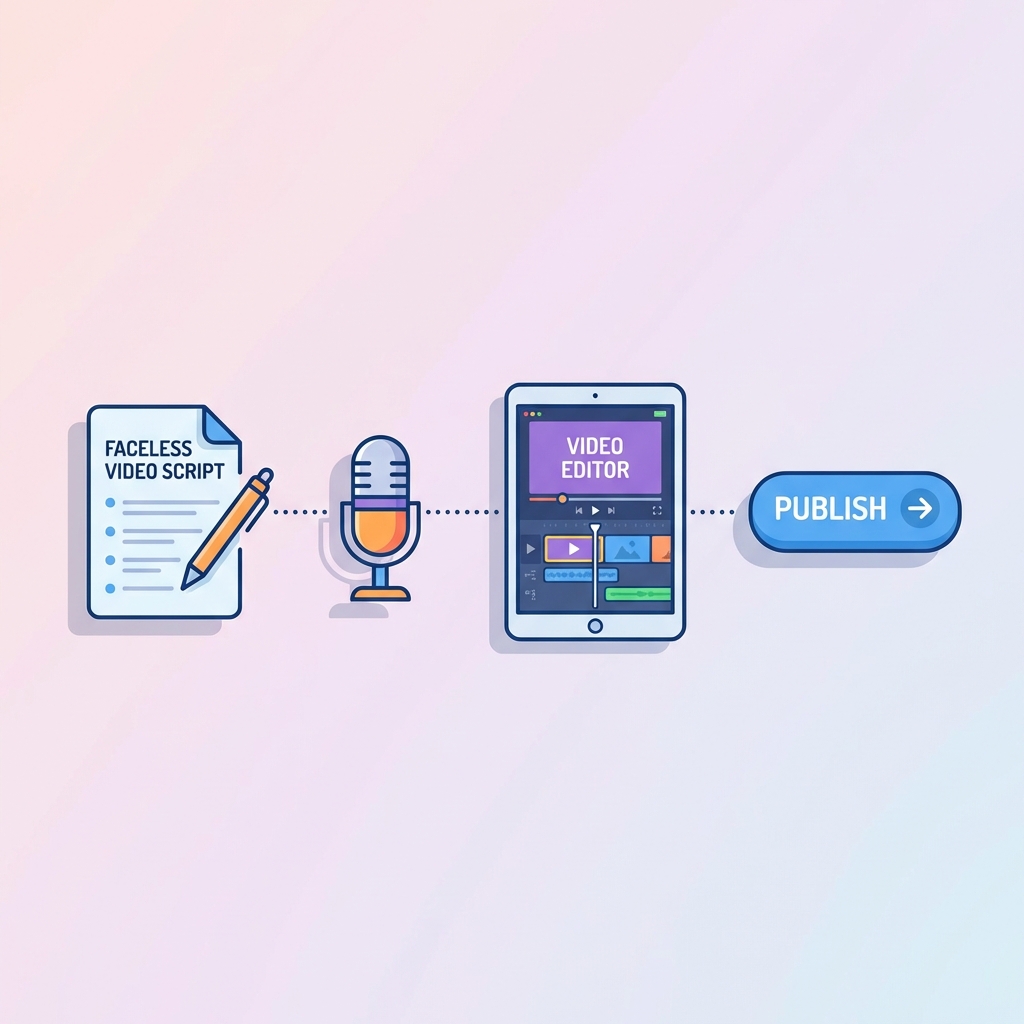
You have the niche. You have the channel name. Now comes the technical part: How do you actually make the video?
Many beginners get stuck here because they think they need expensive gear. The beauty of a faceless channel is that your "studio" is entirely digital. You don't need lights, microphones, or a camera. You need a workflow.
Here is the professional 4-step process to produce high-quality faceless videos in 2026.
Phase 1: The Blueprint (Scripting)
Great visuals cannot save a bad script. In the faceless world, your script is your anchor.
The Workflow:
- Ideation: Use Google Trends or YouTube Search to find a topic with high interest.
- Outlining: Use ChatGPT or Claude to generate an outline. Prompt it with: "Create a 10-point outline for a YouTube video about [Topic] that focuses on high retention."
- Writing: Write the script yourself or hire a writer. Crucial Tip: Write for the ear, not the eye. Use short sentences and punchy language.
Recommended Tools:
- Google Docs: For collaboration.
- Notion: For organizing video ideas and status.
Phase 2: The Voice (Audio)
Bad audio kills retention faster than bad video. You have two choices:
Option A: Real Voice (Recommended) Record yourself. It builds a stronger connection.
- Hardware: Blue Yeti or Rode NT-USB Mini (Affordable USB mics).
- Software: Audacity (Free) or Adobe Audition.
Option B: AI Voice If you can't record, use ultra-realistic AI.
- Tool: ElevenLabs is the industry standard in 2026. It adds breaths, pauses, and intonation that sounds 99% human.
Phase 3: The Visuals (B-Roll & Assets)
This is where you fill the screen. You need to visualize every sentence of your script.
Where to find footage:
- Stock Footage: Storyblocks, Envato Elements, or Pexels (Free).
- Archival Footage: For history/documentary channels, use Wikimedia Commons or Public Domain Reviews.
- AI Generation: Use AI tools like Midjourney, Leonardo.ai, Gemini Veo3, OpenAI Sora, or Banana to create custom illustrations and videos for abstract concepts (e.g., "A futuristic city on Mars").
Phase 4: The Assembly (Editing)
This is where the magic happens. Your goal is to keep the screen moving.
The Workflow:
- Sync Audio: Lay down your voiceover track first.
- A-Cut: Remove all long pauses and breaths.
- Visual Layering: Drag and drop your stock footage to match what is being said.
- Text & Graphics: Add animated subtitles (captions) for key points.
- Sound Design: Add background music (low volume) and sound effects (swishes, pops) for transitions.
Recommended Tools:
- Beginner: CapCut (Desktop). It has auto-captions and built-in effects.
- Pro: DaVinci Resolve (Free version is powerful) or Adobe Premiere Pro.
The "10-Hour" Rule / The "1-Hour" Rule
When you start, a video might take you 10 hours to make. Your goal is to get that down to 4 hours using templates and presets. However, with AI automation tools like InVideo AI, you can sometimes generate a "Draft" video in 1 hour and then spend 2 hours polishing it.
Pro Tip: Create a "Master Template" project file with your intro, outro, color grading, and favorite fonts already set up. This saves you 30 minutes per video.
Explore More
- Artificial Intelligence - Discover the latest AI tools for content creation.
- Business - Learn how to structure and scale your channel like a startup.
- Finance - Master the art of monetization and revenue streams.
- Photography - Improve your visual storytelling and composition skills.